Enterprise password management got a real signal this week: Keeper Security was named a Leader by both GigaOm and ISG, two independent analyst firms, in the same week. GigaOm placed Keeper in the Enduring Innovators quadrant of its Enterprise Password Management Radar. ISG did the same in its own report on identity and access management.
That is not just a vendor award. It is a useful excuse to ask a question most small businesses never actually answer: what does “enterprise-grade” mean here, and is your business still relying on something far short of it?
If your team’s passwords live in browser autofill, a shared spreadsheet, or a sticky note on a monitor, you are not alone. But you are also not protected the way you might assume.
Why “Enterprise-Grade” Isn’t Just Marketing?
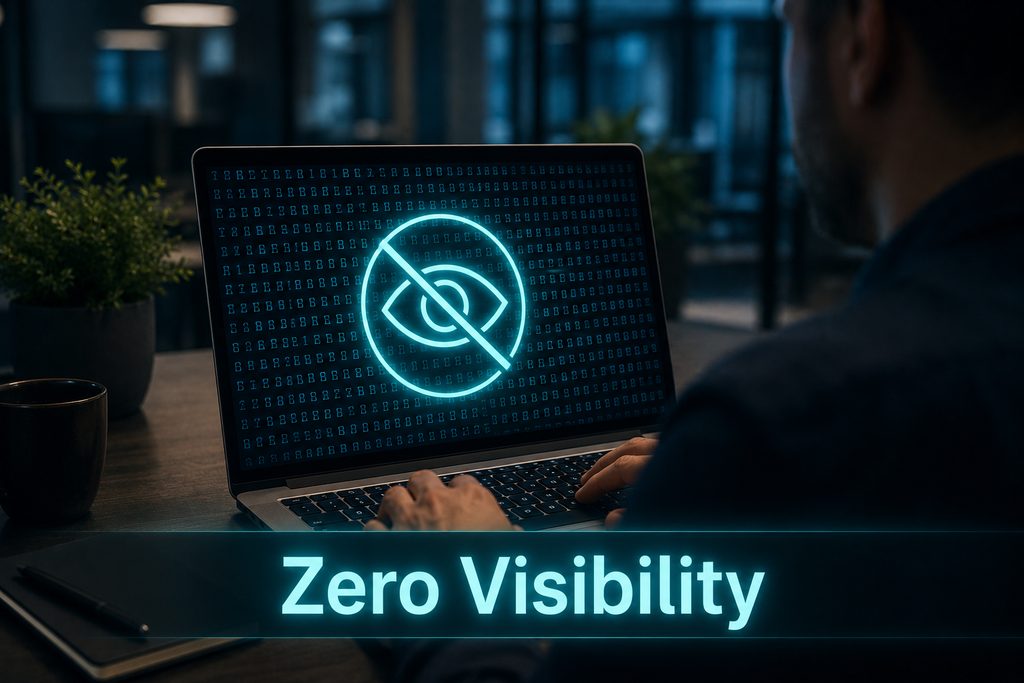
The phrase gets used loosely, but in identity security it means something specific: zero-knowledge architecture. In a true zero-knowledge system, your passwords are encrypted and decrypted only on your own device. The provider itself, Keeper included, never has access to your actual vault contents, not even in the event of a breach on their end.
Compare that to a browser’s built-in password manager, which is convenient but was never built with that same architecture as its foundation, or a spreadsheet, which has no encryption at all. The difference isn’t features. It’s what happens if the provider itself is ever compromised.
The Real Risk of Employee-Managed Passwords
For most small businesses, password management isn’t a decision, it’s a default. Employees reuse passwords across personal and work accounts. Browser autofill works fine until a device is shared, lost, or handed off to someone else. And the business owner has no real visibility into any of it, no way to know which accounts are weak, reused, or still active for an employee who left six months ago.
This is the actual gap. Not a lack of awareness that passwords matter, but a lack of any system that makes good password behavior the easy default instead of something each employee has to choose on their own.
What Least-Privilege Access Actually Looks Like?
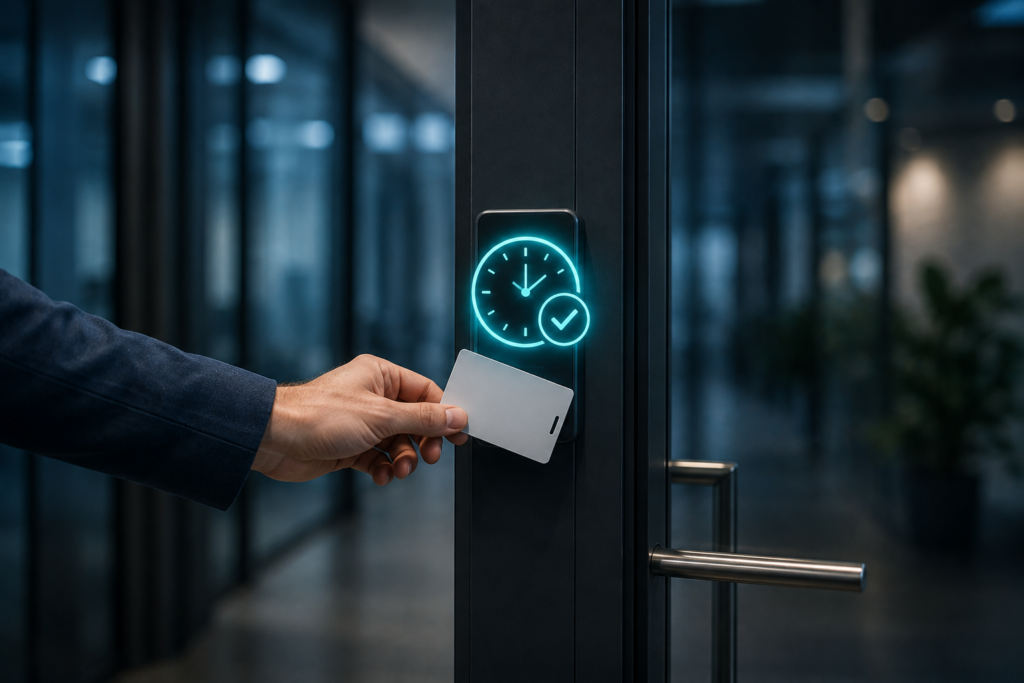
There’s a second layer beyond passwords themselves: who can access what, and for how long. Keeper’s recent Workflow feature for its Privileged Access Management platform is a useful concrete example. Instead of employees holding standing access to sensitive systems indefinitely, access requests are made, explicitly approved, and automatically expire at the end of a set window.
That’s the practical meaning of least-privilege access: not a policy document, but a system where nobody holds more access than the task in front of them actually requires, and nothing is left open by accident.
D.I.Y. vs. Consumer vs. Enterprise: What’s the Real Difference?
Here’s how DIY tools, consumer apps, and true enterprise password management actually compare:
| Browser / Spreadsheet | Consumer Password Manager | Enterprise Password Management | |
| Encryption | None or basic | Zero-knowledge, per-user | Zero-knowledge, org-wide |
| Visibility for the business | None | Limited | Full audit trail |
| Offboarding a departed employee | Manual, easy to miss | Manual | Centralized, immediate |
| Access control | None | Basic sharing | Time-bound, least-privilege |
| Built for | Individuals | Individuals / small teams | Organizations with real risk exposure |
Where This Actually Matters for Your Business?
None of this is about replacing one app with another. It’s about closing a gap most businesses don’t realize they’re carrying until something goes wrong, an employee’s reused password gets caught in an unrelated breach, or a former employee’s access was never actually revoked.
This is part of the identity and access security work we handle as part of a managed IT and cybersecurity program, not a separate project bolted on afterward. If your team is still relying on browser autofill or a shared spreadsheet, that’s usually the first thing worth changing. If it’s something you’ve been meaning to look at, enterprise password management is a reasonable place to start.