ClickFix Attack: 4 Best Ways to Protect Your Business
ClickFix Attack: 4 Best Ways to Protect Your Business
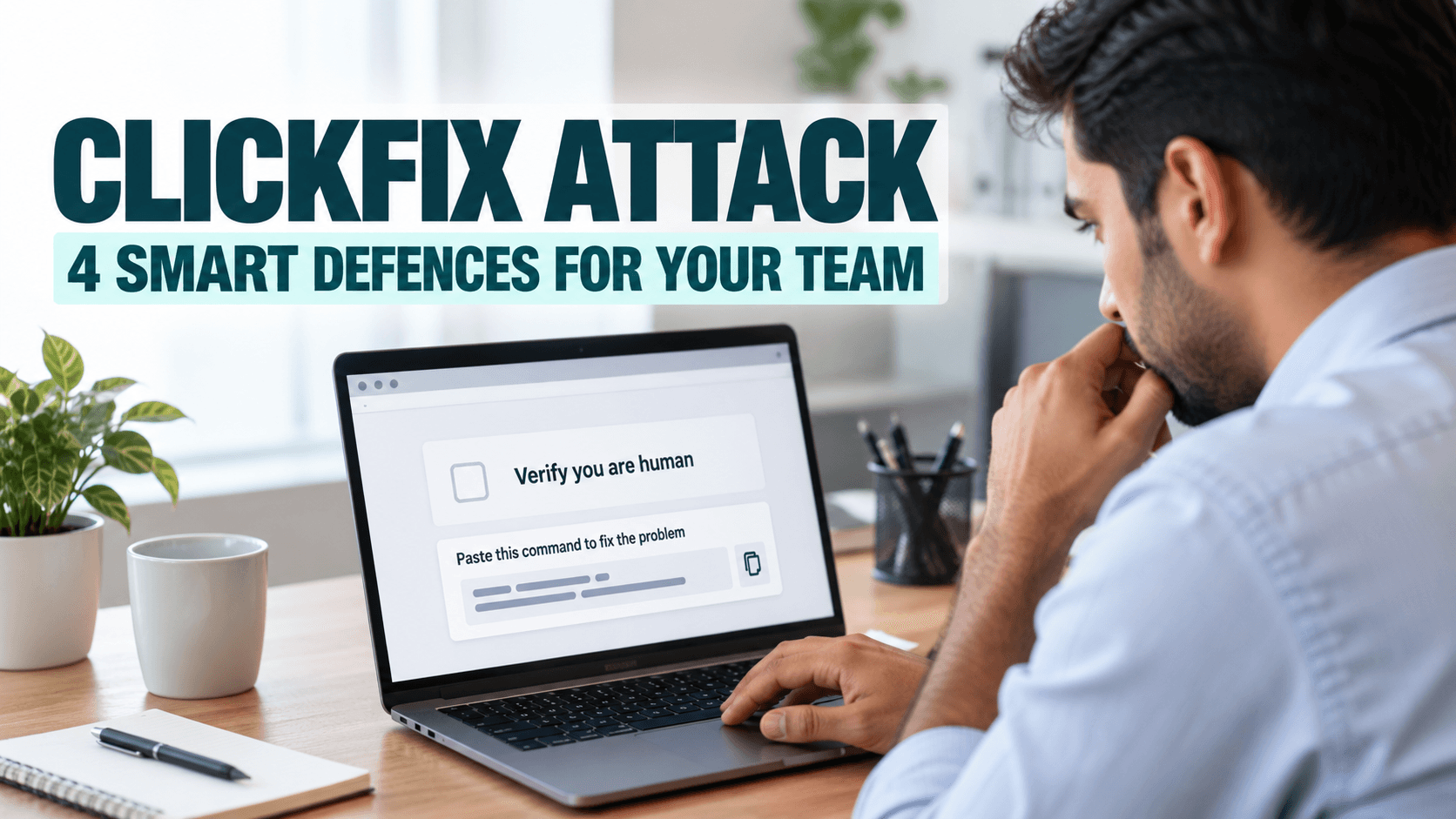
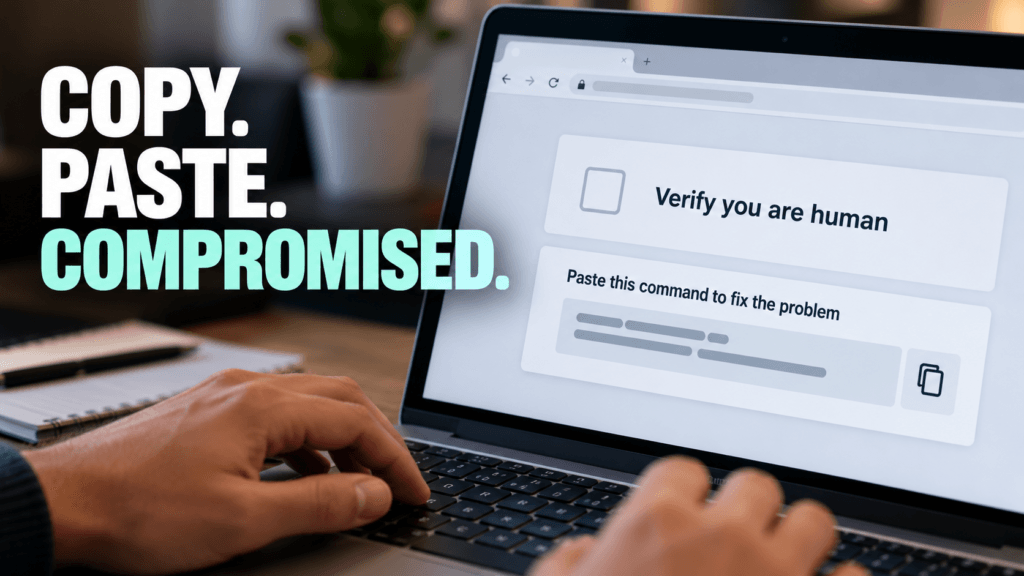
A ClickFix attack turns your own employee into the attacker’s tool. A fake web page, often posing as a CAPTCHA, a browser error or a software installer, tells the visitor to copy a command and paste it into their computer to “fix” a problem. Google describes it as a technique that tricks users into copying and running malicious commands themselves, and the command pasted is often not the one shown on the page.
On October 20, Google announced new Chrome protections aimed at exactly this, and Microsoft’s 2026 Digital Defense Report explains why it matters. Between February and early May 2026, Microsoft Defender saw ClickFix-style commands run on more than 1.1 million unique devices, roughly an eightfold increase. Here is how the attack works, what Chrome now does about it, and four defences any small business can put in place this week.
What a ClickFix Attack Looks Like
The page looks routine. It might ask you to prove you are human, report that your browser needs a fix, or offer to install a popular tool. Then it asks you to copy something and paste it into Windows or the Terminal. According to Google, the command usually calls built in tools such as PowerShell or the Command Prompt, which security software trusts. Because the download happens in the terminal instead of the browser, it sidesteps the browser’s own download protections.
Recent campaigns show how convincing these pages have become. BleepingComputer reported a search ad for a popular AI tool that displayed the Bing domain, passed through a compromised website and landed on a fake download page. The page showed the genuine install command, but its copy button put a different command on the clipboard.
Why a ClickFix Attack Is Growing
The attack works because the person approves it. Nothing is exploited and no file arrives by email, so many tools see nothing unusual. Microsoft’s report also notes that user execution, where someone is tricked into running something, accounted for 30% of the initial access seen in Microsoft Defender Experts data, with valid accounts adding another 20%. Getting a person to do the work is simply cheaper for attackers than breaking in.
What Chrome Now Does About It
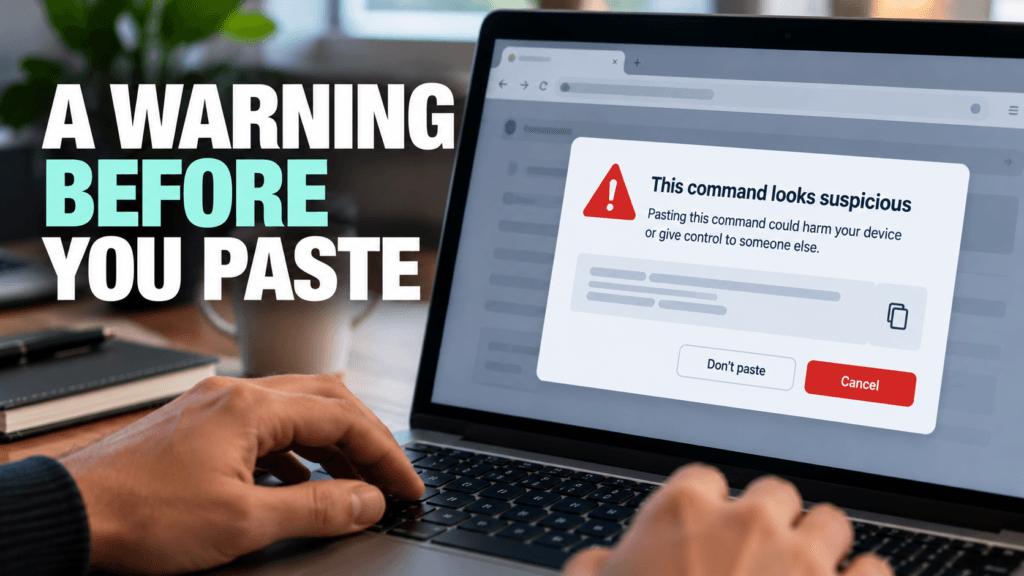
Google says Chrome’s Enhanced Protection mode now checks for a ClickFix attack. If someone copies a suspicious command, Chrome removes personal information from the clipboard content, sends it to Safe Browsing for analysis, and shows a warning if the verdict is dangerous. Google says the system is built for high precision so it does not disrupt legitimate developer work. Chrome also gained a lower confidence “suspicious site” warning and a server side Gemini model that evaluates page content for scams.
There is a catch. Standard Protection is the default, and these features belong to Enhanced Protection. Google also notes that Enhanced Protection sends site URLs and a small sample of page content to Safe Browsing, which some businesses will want to weigh before switching it on. Google says Enhanced Protection users are ten times safer from phishing and scams, based on comparing the average number of safety warnings shown to each group.
4 Smart Defences Against a ClickFix Attack
Teach one rule. A website that asks you to copy a command and paste it into Windows, the Terminal or a command prompt is never giving real troubleshooting advice. Close the page and tell IT. Google’s own example of a ClickFix scam carries a plain reminder that Chrome will never ask you to repair it that way.
Turn on Enhanced Protection for staff browsers. In Chrome, open Settings, then Privacy and security, then Security, and choose Enhanced protection. Your IT provider can manage the setting centrally on company devices.
Install software from known sources only. Type the vendor’s address or use a bookmark instead of clicking a sponsored search result, and keep a short list of approved tools so staff know where to go.
Limit what a pasted command can do. Standard user accounts without local administrator rights, managed endpoint protection and quick reporting all shrink the damage if someone does paste. Each one makes a ClickFix attack less likely to turn into a breach.
The first habit in our Cyber Security Awareness Month guide, pause before you click, applies here too. A ClickFix attack depends on the person skipping that pause.
If you would like help rolling out these settings or checking how your team’s browsers and accounts are set up, we support small businesses across Markham and the GTA with cyber security and managed IT services. Get in touch and we will walk you through where to start.
In today’s digital world, technology is integral to our everyday lives. People use it for banking, communication, shopping, the Storage of Critical Data, etc. These technologies, though, can be a source of vulnerability and opportunity for the cybercriminal. Cyber attacks are a growing threat to medium, small, and large businesses across every sector. What is a Cyber Attack? A cyber attack is an intentional act of hackers or cybercriminals used to gain access to a computer system, network, or information system without the permission of the owner. Cyber-attacks attempt to steal information, damage, or even shut down a computer system. Cyber attacks take many forms that entail the following: How Does a Cyber Attack Happen? If you know the way in which the attacks are made, it will provide a good opportunity for the organizations to enhance their habitudes so that they can be as secure as possible and minimalizing the risks to be caught up in the cyber attacks. Phishing Emails Phishing is still one of the main ways in which criminals fool people. Cybercriminals will send very deceptive emails that are faked to look like those from well-known companies or from people you might trust. Weak Passwords Using the same weak password over and over again makes it easier for hackers to gain access to your accounts. Cybercriminals can guess passwords using automated tools and will then try to get access to your system or application without your permission. Malware and Ransomware Malware refers to any kind of malicious software that is designed to cause harm to a computer or to steal data. Ransomware is a form of malware whereby files or systems are locked until a ransom is paid. In most cases, a user is duped into downloading malware or is sent a suspicious attachment. Software Vulnerabilities Cyber attackers are known to exploit security loopholes in old software or operating systems. If an organization fails to apply security patches or install updated versions of their software, then it is as if to invite the hackers who are capable of using these vulnerabilities to break into their networks without authorization. Unsafe Public Wi-Fi You should not even consider using an unsecured public Wi-Fi as it is extremely easy for a cybercriminal to attack you. Their actions may even consist of observing your Internet traffic and, at the same time, stealing your passwords, bank account information, or other types of sensitive data that you may be sending while you are still on an unprotected connection. How to Avoid a Cyber Attack? Be sure to create a strong password Make your passwords longer and more complicated by combining letters, numbers, and different symbols. Avoid using the same password for different accounts. Also, use multi-factor authentication whenever it is available. Keep Software Updated You should upgrade your computer’s operating system as well as your apps and anti-virus program quite often. This way, vulnerabilities will not only be patched, but also the level of protection will be raised to counter new threats. Train Employees Human error accounts for a significant portion of cyberattacks. Companies need to offer training to their staff members on how to spot phishing emails, handle suspicious messages, and perform online activities safely to lessen the vulnerability to such attacks. Install Reliable Security Software Antivirus software, firewalls, and endpoint security solutions form the first line of defense by detecting and preventing the running of malicious code that the attackers use to harm your computers. Backup Important Data By backing up data, businesses, are able to survive the aftermath of a ransomware attack or any incident of data loss. They must keep the backup copies in safe locations and carry out their verification regularly and thoroughly. Avoid Suspicious Links and Attachments Generally, interacting with strange links, downloading files from untrusted sources, or even opening suspicious mail attachments should be completely avoided by users. One of the security habits is to always check the sender’s credibility before replying to emails. Nowadays, companies are exposed to numerous cyber threats that call for sophisticated protection measures together with regular surveillance. Pexo offers extensive cybersecurity services to help enterprises recognize threats, prevent attacks, and protect sensitive information. Conclusion To sum up, hacking is a very serious issue in the tech world that not only harms individuals but businesses too. Knowing what hacking is, in case it is perpetrated, and effective ways to stop it are among the factors that can greatly minimize one’s exposure to data theft and monetary fraud. Table of Content 1 What is a Cyber Attack? 2 How Does a Cyber Attack Happen? 3 How to Avoid a Cyber Attack? 4 Conclusion
The most useful questions to ask your MSP right now have nothing to do with your own network. They are about the tools your provider uses to reach into it. On September 11, 2026, the U.S. Cybersecurity and Infrastructure Security Agency added a critical ConnectWise ScreenConnect vulnerability to its Known Exploited Vulnerabilities catalog after confirming that attackers were already using it in real attacks. ScreenConnect is one of the most widely used remote support platforms in the managed services industry, which means the story is not really about one product. It is about a category of tools that sit at the center of how nearly every managed IT provider reaches into a client’s network. For a small or mid-sized business, the useful takeaway is not which specific vulnerability appeared this week. It is a short set of questions to ask your MSP so you understand how they secure the tools they use to reach you. What Actually Happened With ScreenConnect? The flaw, tracked as CVE-2026-84869, is an improper privilege management and missing authorization issue. In practical terms, it could allow an attacker to transfer files to a device and execute them during an active remote support session without the host user ever approving the action. CISA set a remediation deadline of September 14, 2026, for federal agencies covered by Binding Operational Directive 26-04, and the same urgency applies to any organization running the affected version. The specific patch was straightforward for providers who noticed. The harder question sits one level up: how confident is your provider in their ability to spot, patch, and respond to something like this on their own infrastructure, not just on yours? Why This Matters for Small Businesses? Managed service providers are built on trust and access. A single provider often holds administrative reach into dozens or hundreds of client environments using remote support tools, remote monitoring platforms, and centralized password vaults. That concentration of access is efficient for delivery, and it is also exactly why attackers have been aiming at the provider layer rather than at each client individually. According to the Huntress 2026 Cyber Threat Report, abuse of remote monitoring and management tools now accounts for 24% of all observed incidents, up from 7% the year before. Huntress’s own analysis flagged ScreenConnect specifically, including one case where a rogue install sat quietly for five months before an attacker used it as an entry point. The ScreenConnect entry in the KEV catalog is not an isolated event. It is the latest example of a documented, ongoing trend, and it is why the cybersecurity posture of your provider now matters as much as your own, which is exactly why the questions to ask your MSP have shifted this year. 5 Questions to Ask Your MSP If you already have a managed IT provider, or you are evaluating one, these are the questions to ask your MSP directly. Good providers will have clear, unrehearsed answers. 1. How quickly do you patch the tools you use to reach my network? Ask about their patch cadence for their own infrastructure, not just yours. A provider running weekly patch cycles internally is in a very different position than one that treats their tools as “set and forget.” Our September Patch Tuesday breakdown shows how quickly critical fixes can pile up in a single month. 2. What monitoring do you have on your own remote sessions? Session logging, anomaly detection, and alerting on unusual remote access patterns should all exist on the provider side. If they cannot describe what triggers an alert on their own systems, that is a signal worth paying attention to. 3. Do you enforce multi-factor authentication on every tool that reaches my environment? Every account, every technician, every tool. Not “we use MFA on email.” MFA on the remote support platform, on the RMM console, on the password vault, and on any cloud dashboard that touches client data. Enterprise-grade password managers make this practical to enforce at scale. 4. What is your response plan if one of your own accounts is compromised? The right answer is not “that would not happen.” The right answer is a specific set of steps: session revocation, credential rotation, client notification timelines, and a documented containment playbook. This should also connect back to whatever cybersecurity insurance obligations exist on either side. 5. Are you aligned to a recognized security framework internally, not just for compliance reporting? Frameworks like the NIST Cybersecurity Framework 2.0 and the CIS Controls exist for exactly this reason. A provider who applies these internally, not only when a client asks about compliance, is thinking about their own posture the same way they think about yours. What to Do Next? If you already have a managed IT provider, send these five questions in a short message and see how they respond. The quality of the answer matters as much as the content: unrehearsed and specific beats polished and vague every time. If you are weighing options, bring these questions to ask your MSP into the conversation before you sign anything. A provider who treats these questions as reasonable and expected is showing you how they operate. One who deflects is also telling you something. At Pexo, security posture starts with the tools we use before it reaches the networks we protect. If you are evaluating your options, our managed IT services team is happy to walk you through exactly how we answer each of these questions for our own environment. Table of Content 1 What Actually Happened With ScreenConnect? 2 Why This Matters for Small Businesses? 3 5 Questions to Ask Your MSP 3.1 1. How quickly do you patch the tools you use to reach my network? 3.2 2. What monitoring do you have on your own remote sessions? 3.3 3. Do you enforce multi-factor authentication on every tool that reaches my environment? 3.4 4. What is your response plan if one of your own accounts is compromised? 3.5 5. Are you aligned to a recognized security
Every October, Canada marks Cyber Security Awareness Month, and the 2026 theme from the Government of Canada’s Get Cyber Safe campaign is “Your best defense is you.” For a business owner, that line describes how most attacks actually succeed. Firewalls, backups and updates all matter, but a single employee deciding whether to click, reply or share is often the last line of defense. This year’s campaign adds a new twist. Artificial intelligence is making scams look more real, so phishing emails and fake messages are harder to spot than the old ones full of spelling mistakes. That is why Cyber Security Awareness Month 2026 puts habits ahead of checklists. A team that pauses by default is harder to fool than a team trying to remember a list of warning signs. What Cyber Security Awareness Month 2026 Asks of Your Team Get Cyber Safe splits October into four weekly themes: recognize cyber threats, strengthen your defences, protect your information and build your cyber security community. Cyber Security Awareness Month speaks to everyone, but each of its themes maps neatly onto something a small business can do with its own staff. The numbers behind it explain the urgency. In the campaign’s 2026 tracking survey of Canadians, 59% reported at least one cyber incident in the past year, 73% said they are concerned about cybercrime involving AI, and only 42% felt confident they could recognize AI generated content. Those are figures for the general public, not for businesses, but your employees are part of that public. Here are four habits to build with your team this month, one for each weekly theme. None of them requires new software. Habit 1: Pause Before You Click, Reply or Share Convincing scams lean on urgency: an invoice that must be paid today, an executive asking for gift cards, a shared document that needs a login. Agree on one rule for the whole team. If a message asks for money, passwords or sensitive files, confirm it through a second channel, such as phoning the sender on a number you already have, not one printed in the message. Get Cyber Safe publishes a short guide to the 7 red flags of phishing and a page on what to do about a suspicious looking message. Spend ten minutes walking through both at your next team meeting, then tell people plainly that asking “is this real?” is always welcome. Habit 2: Make Strong Logins the Default Week two of Cyber Security Awareness Month covers strong passwords, password managers and multi-factor authentication (MFA). For a business, the important word is default. In a 2026 survey of 1,000 US small and mid-sized business leaders by the National Cybersecurity Alliance and CISA, 86.8% had implemented MFA, but only 51.1% required it on all key business accounts. The accounts that get skipped are often the ones attackers want most, such as email, accounting software and remote access. List your key accounts this week, turn MFA on for every one, and give staff a password manager so that using a unique password is easier than reusing one. If you are weighing options, our guide to what makes a password manager enterprise-grade explains what to look for. Habit 3: Keep Business Information Where It Belongs Week three of Cyber Security Awareness Month is about protecting information, and in Canada it also falls on Small Business Week. Get Cyber Safe has a quick guide to cyber security for small business worth sharing with your team. For a business, protecting information comes down to three questions: who can see it, where does it go, and can we get it back? Two gaps stand out in the same US survey. AI use among small businesses reached 87.3%, but only 45.6% had formal guidelines for it. A one page rule is enough to start: no customer data, financial records or contracts go into free public AI tools. And while 88.4% of businesses had backups, only 61.4% had tested them. Schedule a test restore this month, so you learn whether your backup works before you need it. Habit 4: Make Reporting Normal The final theme is about building a community and reporting scams and fraud. Inside a business, that means the most valuable thing an employee can do with a suspicious message is tell someone quickly, without fear of blame. Pick one place for reports, such as a shared mailbox or a chat channel, and make sure everyone knows it. Pair that with a one page incident plan: who gets called first, which devices get disconnected, and who speaks to clients. The same survey found that organizations that had been breached were far more likely to have a documented response plan than those that had not (74.9% against 51.5%), which suggests many businesses write theirs only after something goes wrong. Short, regular training helps too, and 42.4% of those leaders named short employee training as a priority. Turning One Month Into a Habit You do not need to do everything at once. Take one habit a week, start each with a short conversation, and put a reminder in the calendar so the habit outlasts Cyber Security Awareness Month. These habits also cover many of the basics that cyber insurance applications tend to ask about, so they are worth writing down. Our cybersecurity insurance questionnaire is a quick way to see where you stand. If you would like help putting any of this in place, we support small businesses across Markham and the GTA with cyber security and managed IT services. Get in touch and we will walk you through where to start. Table of Content 1 What Cyber Security Awareness Month 2026 Asks of Your Team 2 Habit 1: Pause Before You Click, Reply or Share 3 Habit 2: Make Strong Logins the Default 4 Habit 3: Keep Business Information Where It Belongs 5 Habit 4: Make Reporting Normal 6 Turning One Month Into a Habit
Monil Saheba, Pexo's CEO, shapes business resilience through technology. He leads teams redefining IT with strategic support and cybersecurity, empowering organizations to harness technology for innovation and success.