VoIP Phone System vs Traditional Phone System for Business  

Choosing the correct business phone system is essential for every business. Communication is key to the smooth functioning of teams and to happy customers. VoIP makes it an excellent alternative to traditional phone systems for businesses today, which is why it’s gaining popularity for this purpose. But some still use old landline phones since they are known to them and are reliable.  

What Does Traditional Phone System Mean? 

Traditional Phone System

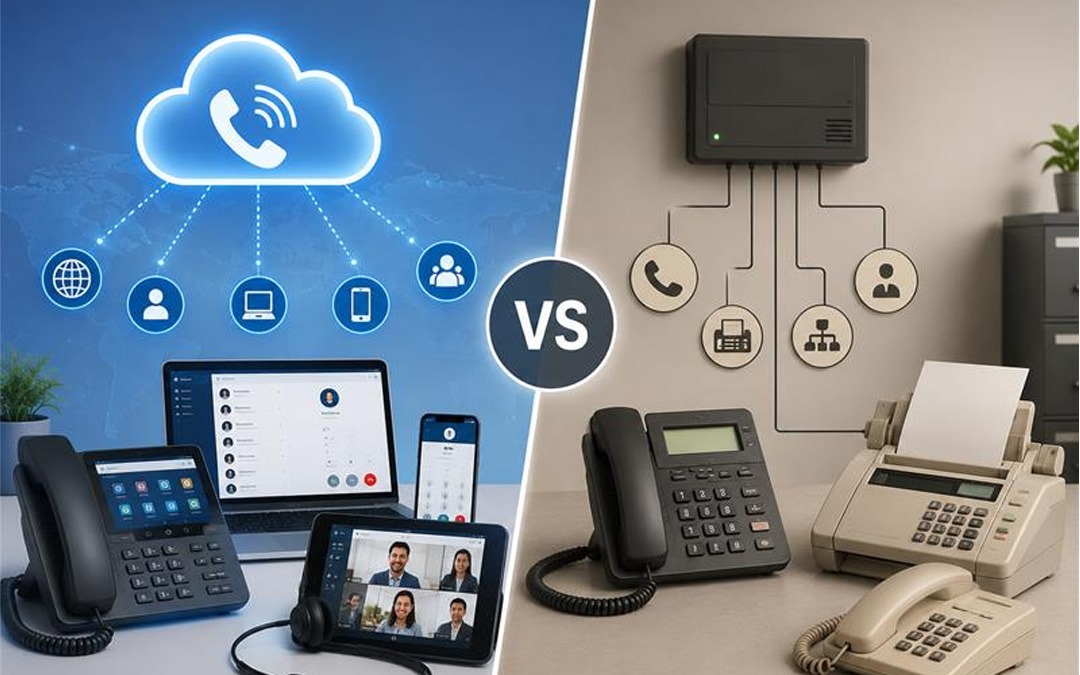
A traditional phone system uses physical telephone lines to make and receive calls. These systems are dependent on the Public Switched Telephone Network (PSTN). Typically, companies have desk phones that are wired into the building via a telephone company’s copper lines.  

Traditional telephony systems have been in use for a long time. They have good voice quality, and are capable of but are often costly to set-up and maintain.  

What is VoIP Phone System? 

VoIP Phone System

VoIP is an acronym for Voice over Internet Protocol. It uses Internet to transmit Voice communications.  

Using desktop phones, computers, laptops, tablets, or smart phones, a VoIP System enables employees to dial and receive calls. Users can connect from virtually anywhere, as long as they have a reliable internet connection.  

With more features and lesser communication costs, many modern business organizations prefer VoIP communication.  

VoIP Phone System vs Traditional Phone System  

The table below compares the two options.  

Feature  VoIP Phone System  Traditional Phone System  
Connection  Internet  Telephone lines  
Installation  Simple and quick  Requires physical wiring  
Cost  Lower monthly costs  Higher installation and service costs  
Mobility  Use from anywhere with internet  Mostly office-based  
Scalability  Easy to add new users  Hardware upgrades often required  
Features  Video calls, voicemail to email, call forwarding, conferencing  Basic calling features  
Maintenance  Managed through software  Requires hardware maintenance  

Benefits of a VoIP Phone System  

VoIP enables several useful features for many business entities, and thus it is their preferred choice.  

Lower Communication Costs  

VoIP is Internet-based technology, rather than telephone-based. This can save on monthly phone bills, particularly companies that make long-distance or international calls.  

Easy to Scale  

It’s very easy to add additional users as your business expands, without having to install new phone lines.  

Work from Anywhere  

Employees can take business calls at home, while traveling or from other office locations. This is for supporting remote and hybrid working.  

Advanced Features  

The most valuable features in most any VoIP system are:  

  • Auto attendant  
  • Call forwarding  
  • Call recording  
  • Voicemail to email  
  • Video meetings  
  • Conference calling  
  • Mobile apps  

No additional equipment is required to facilitate these feature.  

Easy Management  

Most settings are changed on-line via a dashboard. Businesses do not need technicians for every small update.  

Benefits of a Traditional Phone System  

However, there are certain benefits in the traditional phone system.  

Reliable Call Quality  

Their voice quality is stable since they operate on assigned telephone lines, and is particularly good in areas where Internet service is not good.  

Familiar Technology  

Traditional phones are something many businesses have employed for years. They may already be in use and employees may not need any special training.  

Independent of Internet  

Traditional phone systems don’t depend on internet connection and they work even if it’s down.  

Which System is Cheaper? 

VoIP would most likely be the cheaper choice for most businesses.  

Traditional phone systems usually involve:  

  • Installation charges  
  • Wiring costs  
  • Hardware maintenance  
  • Higher call charges  

However, because of the use of an existing internet connection, VoIP cuts many of these costs.  

Which Businesses Should Choose VoIP? 

VoIP is a great choice for:  

  1. Small businesses  
  1. Growing companies  
  1. Remote teams  
  1. Multi-location businesses  
  1. Customer support teams  
  1. Businesses looking to reduce communication costs  

It lets employees connect from practically anywhere, but still maintain a level of professional communication.  

When is the Traditional Telephone System a Good Idea? 

You should consider a traditional phone system if:  

  • The Internet connection is unstable.  
  • All your business needs is basic calling.  
  • You already have an existing phone infrastructure that meets your needs.  
  • You experience an area with frequent Internet failures.  
     

Scalable VoIP Phone Solutions for Businesses of All Sizes 

When it comes to a new communication tool, Pexo’s VoIP Phone Service provides stable and scalable solutions for companies of any dimension. They own and provide services with VoIP that are advanced, have flexible plans, have high-quality voice calls and support remote workers or hybrid teams.   

Conclusion 

When comparing a VoIP phone system vs traditional phone system, VoIP is the better option for most modern businesses. It is more scalable, flexible, advanced features, lower cost. Most people can be connected almost anywhere, making it perfect for the work environment today.  

IT Infrastructure Explained: Projects, Services, and Management 

In today’s world and age, technology is crucial to a business. There is hardly any business activity without IT systems these days, it could be for storing data, or communicating with consumers. By utilizing a robust IT infrastructure, companies can enjoy a variety of advantages such as productivity, reduction in downtime, and secure operation. 

What is IT Infrastructure? 

What is IT Infrastructure

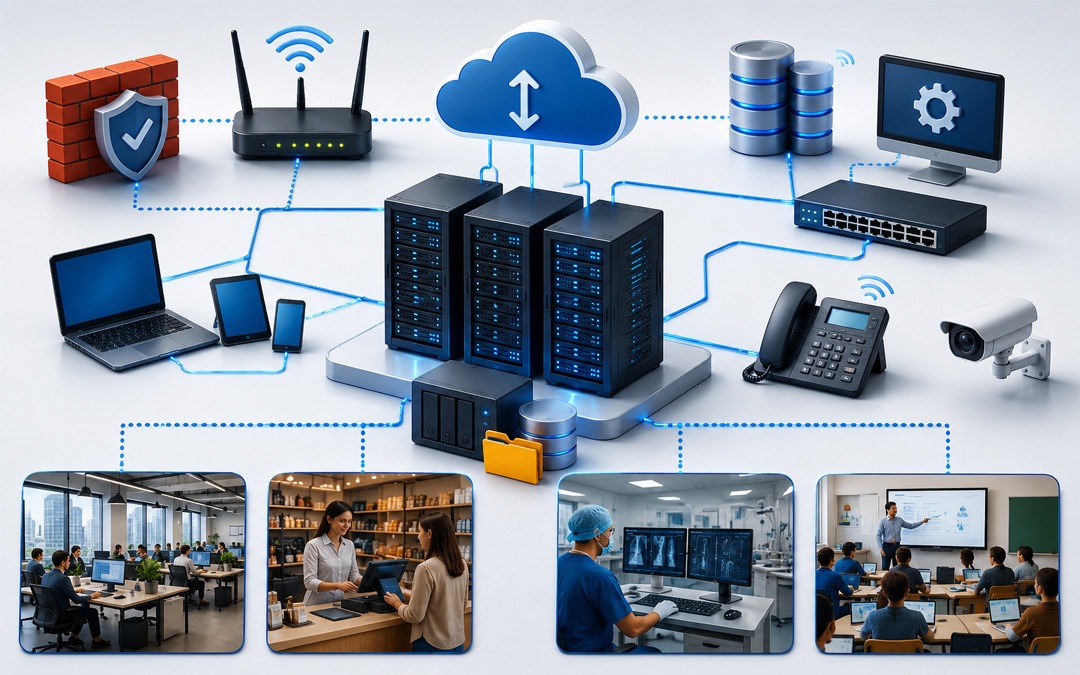
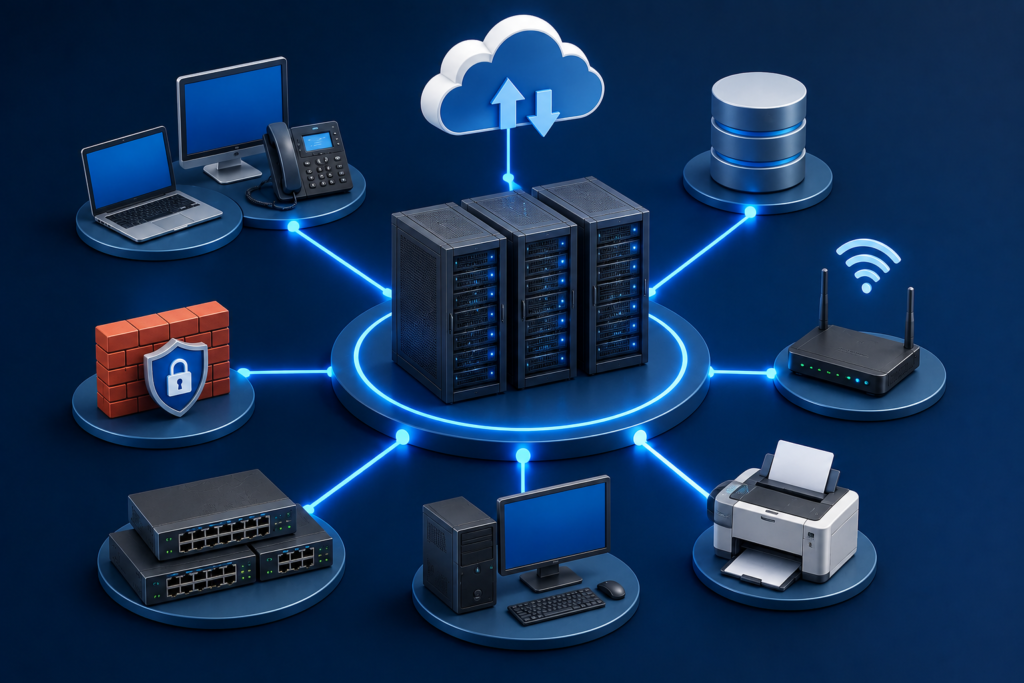
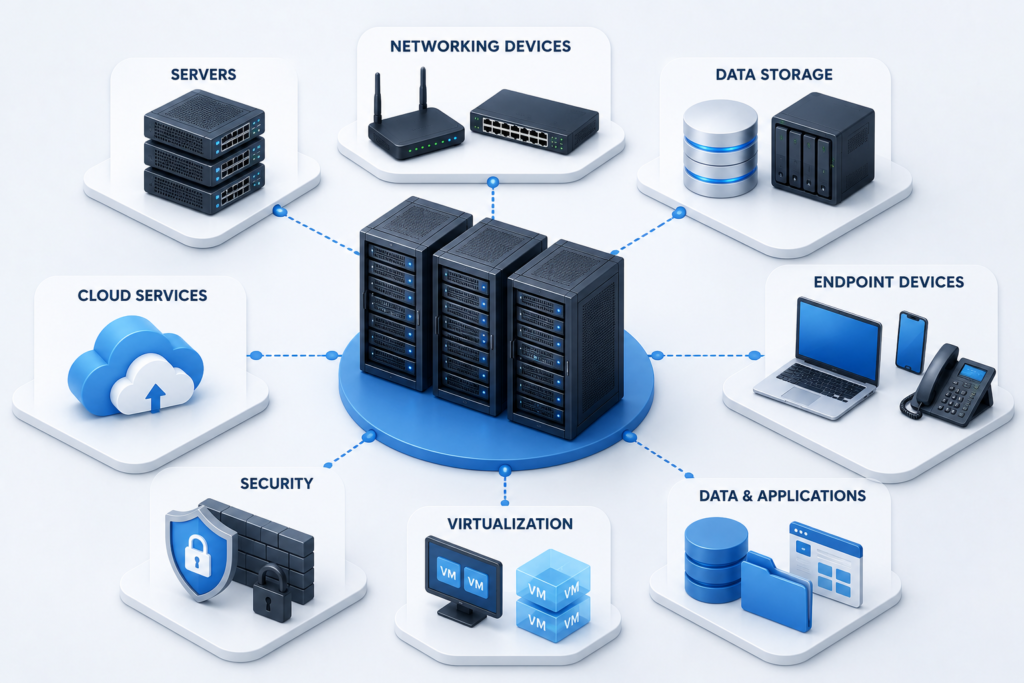
Understands the concept of IT infrastructure and all its technical elements in the IT environment of an organisation, including networks, hardware, software, data centres and components. It includes computers, servers, storage, cloud computers, operating systems and internet. 

What Are IT Infrastructure Projects? 

IT infrastructure projects are a set of projects that are planned for the improvement, implementation or upgrade of an organization’s IT systems. 

Some common IT infrastructure projects include: 

1. Server Upgrade Projects 

When businesses go out to buy new systems, it’s to address their issues with old servers, like enhanced speed, improved reliability, and added security. 

2. Cloud Migration Projects 

Even the majority of businesses can shift application and data on-premises to the cloud (such as Microsoft Azure, AWS or Google Cloud). 

3. Network Expansion Projects 

As businesses expand they could need more office connectivity, more office routers/switches or they might need an extra connection to their network. 

4. Data Center Modernization 

To achieve more efficient energy use, expand storage and improve performance, businesses take advantage of upgrades that can be implemented on their current data centers. 

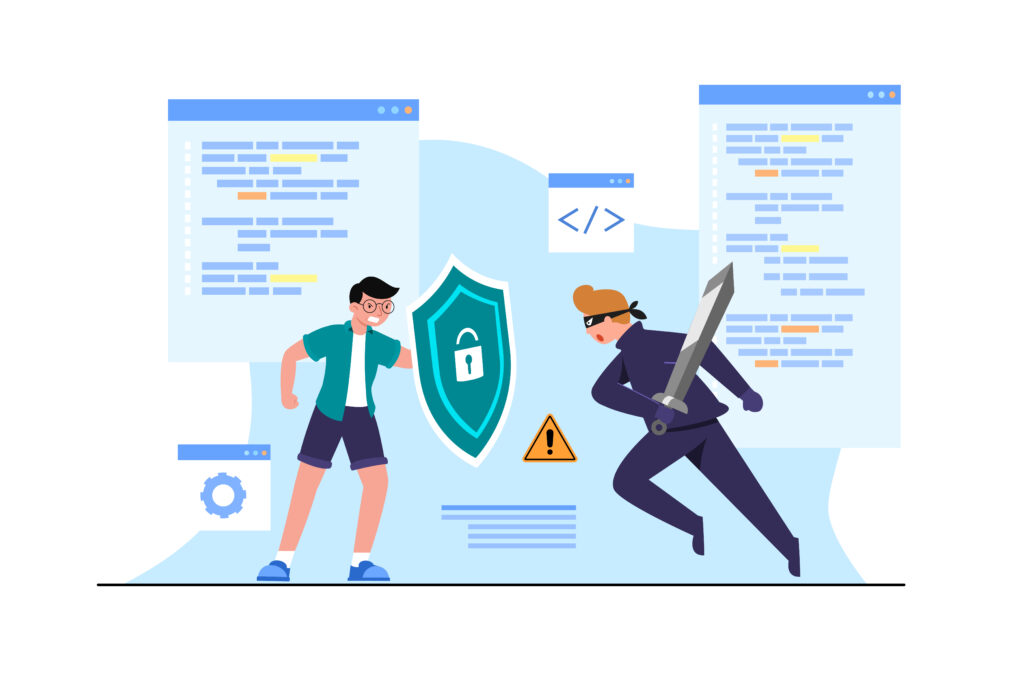
5. Cybersecurity Implementation Projects 

Projects can involve the deployment of endpoint protection, multi-factor authentication and other security measures to ensure protection of the enterprises’ business information via firewalls. 

Planners need to carefully plan, budget, test, and support an IT infrastructure project to ensure its success. 

What Is IT Infrastructure Services? 

IT Infrastructure Services

IT infrastructure services are professional services which are used to enable business to construct, manage, organise and improve their IT infrastructure. 

Some services that IT infrastructure provides are: 

Network Management 

Providing surveillance and upkeep of the network, internet connections, and communication systems. 

Server Management 

IT teams provision, operate, and maintain physical and virtual servers that support the smooth operation of applications. 

Cloud Services 

Cloud infrastructure services are offerings like cloud migration, cloud monitoring, backup, and cloud security management. 

Data Backup & Disaster Recovery. 

Having regular backups and disaster recovery plans in place can help ensure that organizations can recover quickly in the event of an unexpected event, like a cyber-attack or hardware failure. 

Cybersecurity Services 

Security services include functionality making the threat monitoring, vulnerability assessment, firewall management and security updates. 

Help Desk and Technical Support 

IT support teams lighten the burden of their employees and fix any issues surrounding an IT environment related to hardware, software or connectivity. 

Pexo’s infrastructure solutions may be right for businesses looking for a reliable infrastructure support. The team can be easily depended on for proactive monitoring, server and network management, managing cloud services, cybersecurity support, and Disaster Recovery services to ensure the seamless and secure operations of organizations.  

What Is IT Infrastructure Management? 

IT infrastructure management is the process of monitoring, maintaining, and improving the organization’s IT resources. 

Typically, the following elements are part of IT infrastructure management: 

Monitoring IT Systems 

Continuous monitoring involves taking proactive steps to reduce the likelihood of the issues happening and limiting the effect on business operation if they do implement. 

Show how to correctly manage hardware and software systems. 

In addition to serving the IT Teams, Enterprise Application, Operating System and Storage Device can be maintained in the Servers. 

Security Management 

To have infrastructure managers in place with security solutions that protect systems from cyberattacks and unauthorized access. 

Capacity Planning 

In the post-pandemic business landscape, organizations will need to evaluate tech requirements to make decisions about infrastructure investments, with the end goal of meeting future technology demand. 

Performance Optimization 

System maintenance, software patching, and system tuning ensure that the performance is optimized and downtime is prevented. 

Backup and Recovery Management 

While backing up valuable business data, you’re ensuring that the valuable data can be recovered in an instant in case it is needed. 

By investing in good infrastructure management, organisations can reap a few benefits: 

  • Increased system reliability and uptime. 
  • Better cybersecurity protection. 
  • Increased employee productivity. 
  • Reduced operational costs. 
  • Faster issue resolution. 
  • Enhanced business continuity. 

Conclusion 

IT infrastructure boasts itself as the backbone for every business to run. The technology decisions should be based on a better understanding of IT infrastructure project/service needs and the processes that constitute IT infrastructure management. 

Productivity, security, and future growth can be enhanced with a doubling down on good infrastructure and management. 

5 Ways to Set Up Your Cloud IT Infrastructure 

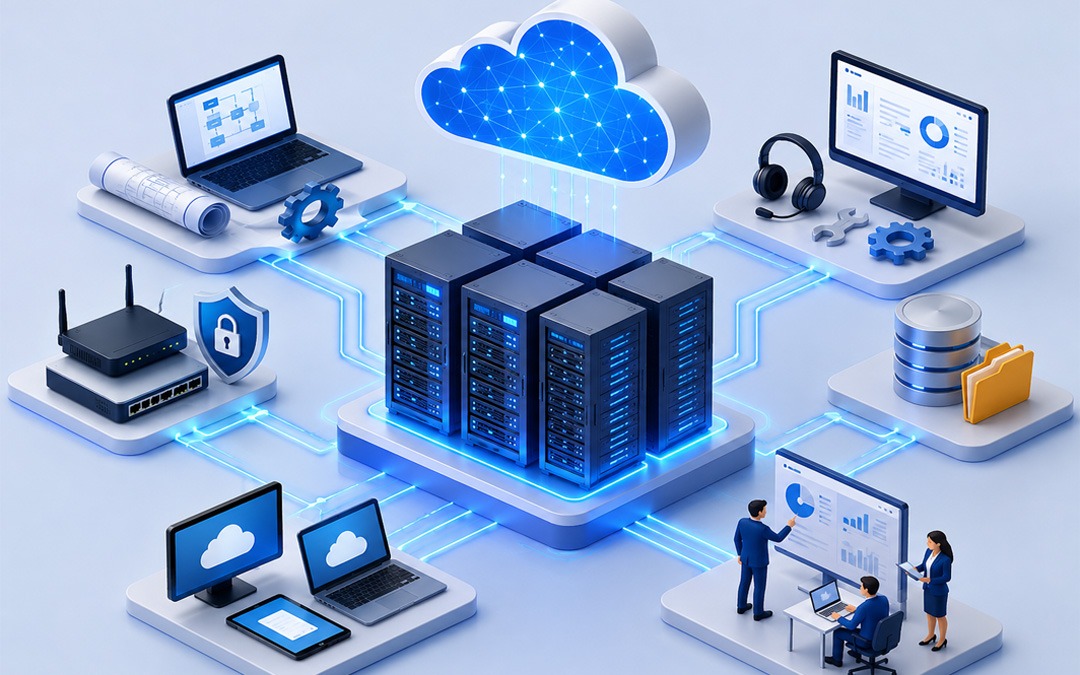
In today’s world, businesses require flexible, secure and easily managed technology. Enterprise cloud IT infrastructure allows companies to store their data, run programs and allow workers to work anywhere. It also lowers hardware expenditure and eases growth as your company progresses. 

There must be planning for migrating to the cloud. The correct installation maximizes the performance, security and reliability. We will talk about the 5 most popular methods of setting up your cloud IT infrastructure. 

5 Smart Ways to Build Your Cloud IT Infrastructure 

Smart Cloud IT Infrastructure

1. Select the proper Cloud Model. 

The first step is selecting the type of cloud to fit your business. It could be done in three principal ways; 

● Public Cloud : It can be a cheaper alternative, although it will be sharing the cloud resources with other clients. 

● Private Cloud: It has resources that you can utilize solely to gain further security and control. 

● Hybrid Cloud: Dynamically combines Public and Private Cloud. 

The open cloud is a cheap option for small businesses. Enterprises with stringent security or compliance issues may have the best use of private or hybrid cloud. 

Cloud Model Best For Main Benefit 
Public Cloud Small and medium-sized businesses Low cost and easy to scale 
Private Cloud Businesses with strict security needs Greater control and enhanced security 
Hybrid Cloud Growing businesses with mixed workloads Flexibility to use both public and private environments 

2. Assess Your Existing IT Environment 

Evaluate the current IT environment prior to cloud migration. Determine the workloads, databases, and applications to migrate. 

Make inquiries like: 

  1. What business critical applications do you have? 
  1. What is the storage that you currently use? 
  1. What systems do you need high availability for? 
  1. Are there any applications that are outmoded and have to be removed? 

The correct assessment will prevent you from incurring any additional costs, and the moving steps will go more smoothly. 

3. Invest in Good Security from the Start 

Securing the environment is important and must be accounted for at the beginning of the process to move to the cloud. It’s critical to protect your business data. 

Some of the key security issues are: 

  • Employ multi-factor authentication (MFA) 
  • Encrypt sensitive data 
  • Identify proper password practices 
  • Keep software updated 
  • Set user access based on user job role 
  • Monitor clouds on a frequent basis. 

Further, with regular backups and disaster recovery plans, downtimes are minimized in case of unforeseen problems. 

4. Selection of trusted cloud solutions 

A cloud infrastructure is based on the services that you select. Search and find a solution that has good customer support, reliability, and scalability. 

Take into consideration the following aspects: 

  1. System uptime 
  1. Data backup options 
  1. Security certifications 
  1. Easily integrates with the existing software. 
  1. Technical support availability 
  1. Pricing and scalability in the future. 

By making the right decision to rely on the services of a trustworthy cloud, you will be able not only to run your business without any inconveniences but also to help your business develop in the future. 

5. Monitor, Optimise and Scale 

Building your cloud infrastructure is only one aspect. Active watchful waiting ensures your systems are maintained at an effective performance. 

Monitor key areas, such as: 

  • Server performance 
  • Storage usage 
  • Network traffic 
  • Cloud costs 
  • Security alerts 

As your business expands, add storage and computing capacity and new cloud-based services without having to purchase costly hardware. One of the major benefits of cloud infrastructure is this adaptability. 

Why Choose Pexo for Cloud Transformation? 

Cloud transition is not an easy path to undertake without the proper assistance. With minimal disruption, Pexo’s Cloud Transformation Service helps businesses plan, migrate and optimise their cloud environment. From upgrading to the latest technology to building a new cloud site from the ground up, Pexo provides solutions that can be customized to meet the needs of each business to improve their performance, security and efficiency.  

Advantages of a Well-Planned Cloud IT Infrastructure 

In the long term, a well-designed cloud infrastructure offers the following opportunities: 

  1. Lower the costs of IT infrastructure investments 
  1. Better business continuity 
  1. Improved data security 
  1. A user can log in remotely and easily. 
  1. Reduce deployment time for new applications 
  1. Scalability to adjust to different business requirements. 
  1. Reduce storage and maintenance of physical servers. 

These benefits empower organizations to invest more in building their businesses and less in IT maintenance. 

Conclusion 

Cloud IT infrastructure provides flexibility, security and performance that are required by today’s digital world. With the right cloud model, evaluation of current systems, enhanced security, reliable cloud services and constant evaluation of your environment, you can establish a cloud infrastructure that will set you up for success.