ClickFix Attack: 4 Best Ways to Protect Your Business

A ClickFix attack turns your own employee into the attacker’s tool. A fake web page, often posing as a CAPTCHA, a browser error or a software installer, tells the visitor to copy a command and paste it into their computer to “fix” a problem. Google describes it as a technique that tricks users into copying and running malicious commands themselves, and the command pasted is often not the one shown on the page.

On October 20, Google announced new Chrome protections aimed at exactly this, and Microsoft’s 2026 Digital Defense Report explains why it matters. Between February and early May 2026, Microsoft Defender saw ClickFix-style commands run on more than 1.1 million unique devices, roughly an eightfold increase. Here is how the attack works, what Chrome now does about it, and four defences any small business can put in place this week.

What a ClickFix Attack Looks Like

The page looks routine. It might ask you to prove you are human, report that your browser needs a fix, or offer to install a popular tool. Then it asks you to copy something and paste it into Windows or the Terminal. According to Google, the command usually calls built in tools such as PowerShell or the Command Prompt, which security software trusts. Because the download happens in the terminal instead of the browser, it sidesteps the browser’s own download protections.
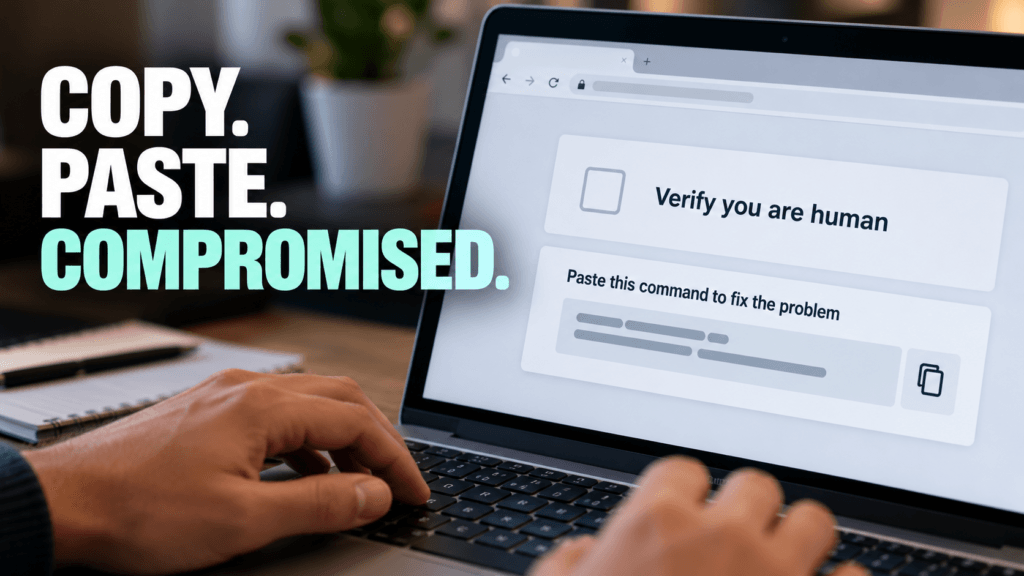
Laptop showing a fake web page that asks the visitor to copy and paste a command

Recent campaigns show how convincing these pages have become. BleepingComputer reported a search ad for a popular AI tool that displayed the Bing domain, passed through a compromised website and landed on a fake download page. The page showed the genuine install command, but its copy button put a different command on the clipboard.

Why a ClickFix Attack Is Growing

The attack works because the person approves it. Nothing is exploited and no file arrives by email, so many tools see nothing unusual. Microsoft’s report also notes that user execution, where someone is tricked into running something, accounted for 30% of the initial access seen in Microsoft Defender Experts data, with valid accounts adding another 20%. Getting a person to do the work is simply cheaper for attackers than breaking in.

What Chrome Now Does About It

Google says Chrome’s Enhanced Protection mode now checks for a ClickFix attack. If someone copies a suspicious command, Chrome removes personal information from the clipboard content, sends it to Safe Browsing for analysis, and shows a warning if the verdict is dangerous. Google says the system is built for high precision so it does not disrupt legitimate developer work. Chrome also gained a lower confidence “suspicious site” warning and a server side Gemini model that evaluates page content for scams.
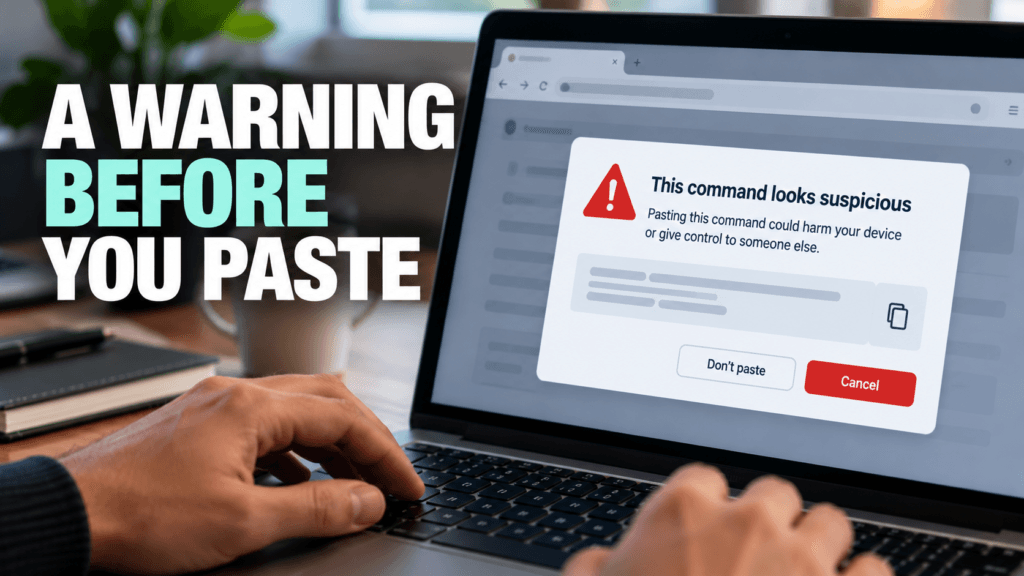
Browser warning appearing after a suspicious command is copied

There is a catch. Standard Protection is the default, and these features belong to Enhanced Protection. Google also notes that Enhanced Protection sends site URLs and a small sample of page content to Safe Browsing, which some businesses will want to weigh before switching it on. Google says Enhanced Protection users are ten times safer from phishing and scams, based on comparing the average number of safety warnings shown to each group.

4 Smart Defences Against a ClickFix Attack

  1. Teach one rule. A website that asks you to copy a command and paste it into Windows, the Terminal or a command prompt is never giving real troubleshooting advice. Close the page and tell IT. Google’s own example of a ClickFix scam carries a plain reminder that Chrome will never ask you to repair it that way.
  2. Turn on Enhanced Protection for staff browsers. In Chrome, open Settings, then Privacy and security, then Security, and choose Enhanced protection. Your IT provider can manage the setting centrally on company devices.
  3. Install software from known sources only. Type the vendor’s address or use a bookmark instead of clicking a sponsored search result, and keep a short list of approved tools so staff know where to go.
  4. Limit what a pasted command can do. Standard user accounts without local administrator rights, managed endpoint protection and quick reporting all shrink the damage if someone does paste. Each one makes a ClickFix attack less likely to turn into a breach.

Small team gathered around a laptop agreeing on one security rule

The first habit in our Cyber Security Awareness Month guide, pause before you click, applies here too. A ClickFix attack depends on the person skipping that pause.

If you would like help rolling out these settings or checking how your team’s browsers and accounts are set up, we support small businesses across Markham and the GTA with cyber security and managed IT services. Get in touch and we will walk you through where to start.


Cyber Security Awareness Month: 4 Smart Habits for Teams

Every October, Canada marks Cyber Security Awareness Month, and the 2026 theme from the Government of Canada’s Get Cyber Safe campaign is “Your best defense is you.” For a business owner, that line describes how most attacks actually succeed. Firewalls, backups and updates all matter, but a single employee deciding whether to click, reply or share is often the last line of defense.

This year’s campaign adds a new twist. Artificial intelligence is making scams look more real, so phishing emails and fake messages are harder to spot than the old ones full of spelling mistakes. That is why Cyber Security Awareness Month 2026 puts habits ahead of checklists. A team that pauses by default is harder to fool than a team trying to remember a list of warning signs.

What Cyber Security Awareness Month 2026 Asks of Your Team

Get Cyber Safe splits October into four weekly themes: recognize cyber threats, strengthen your defences, protect your information and build your cyber security community. Cyber Security Awareness Month speaks to everyone, but each of its themes maps neatly onto something a small business can do with its own staff.

The numbers behind it explain the urgency. In the campaign’s 2026 tracking survey of Canadians, 59% reported at least one cyber incident in the past year, 73% said they are concerned about cybercrime involving AI, and only 42% felt confident they could recognize AI generated content. Those are figures for the general public, not for businesses, but your employees are part of that public.

Here are four habits to build with your team this month, one for each weekly theme. None of them requires new software.

Habit 1: Pause Before You Click, Reply or Share

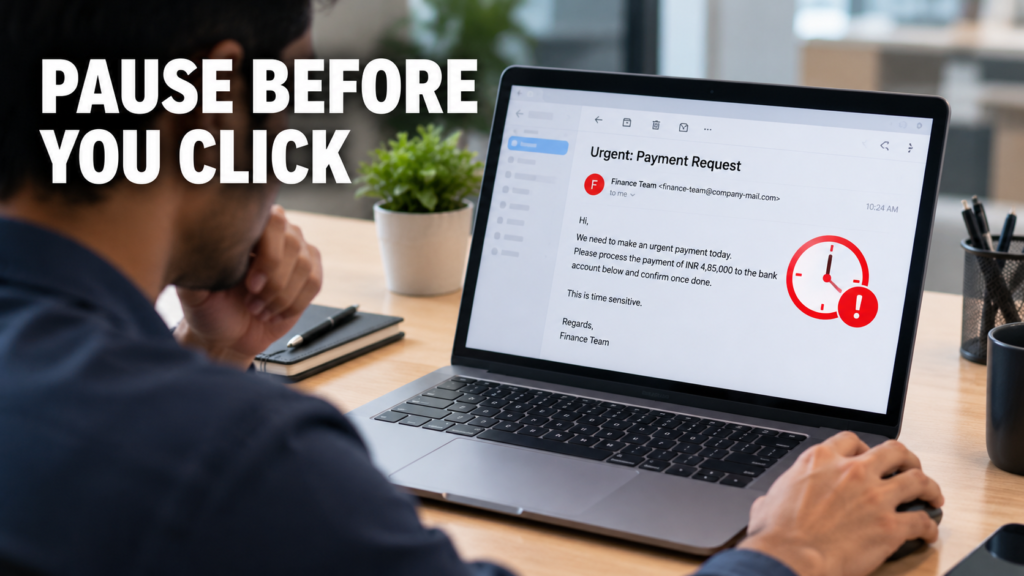
Convincing scams lean on urgency: an invoice that must be paid today, an executive asking for gift cards, a shared document that needs a login. Agree on one rule for the whole team. If a message asks for money, passwords or sensitive files, confirm it through a second channel, such as phoning the sender on a number you already have, not one printed in the message.

Get Cyber Safe publishes a short guide to the 7 red flags of phishing and a page on what to do about a suspicious looking message. Spend ten minutes walking through both at your next team meeting, then tell people plainly that asking “is this real?” is always welcome.

Employee pausing before clicking a suspicious email during Cyber Security Awareness Month

Habit 2: Make Strong Logins the Default

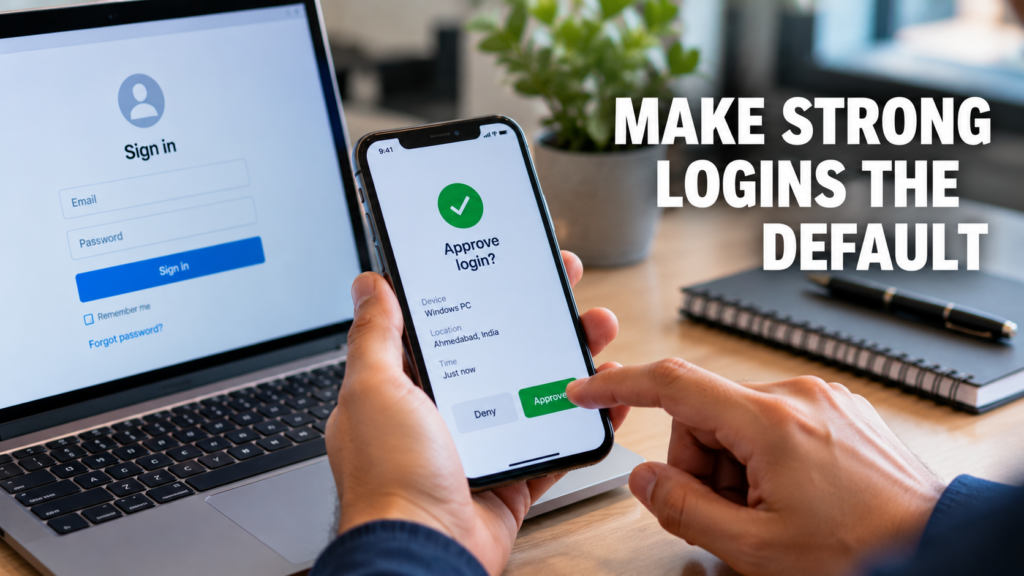
Week two of Cyber Security Awareness Month covers strong passwords, password managers and multi-factor authentication (MFA). For a business, the important word is default. In a 2026 survey of 1,000 US small and mid-sized business leaders by the National Cybersecurity Alliance and CISA, 86.8% had implemented MFA, but only 51.1% required it on all key business accounts. The accounts that get skipped are often the ones attackers want most, such as email, accounting software and remote access.

List your key accounts this week, turn MFA on for every one, and give staff a password manager so that using a unique password is easier than reusing one. If you are weighing options, our guide to what makes a password manager enterprise-grade explains what to look for.

Phone showing a multi-factor authentication approval prompt beside a laptop login screen

Habit 3: Keep Business Information Where It Belongs

Week three of Cyber Security Awareness Month is about protecting information, and in Canada it also falls on Small Business Week. Get Cyber Safe has a quick guide to cyber security for small business worth sharing with your team. For a business, protecting information comes down to three questions: who can see it, where does it go, and can we get it back?

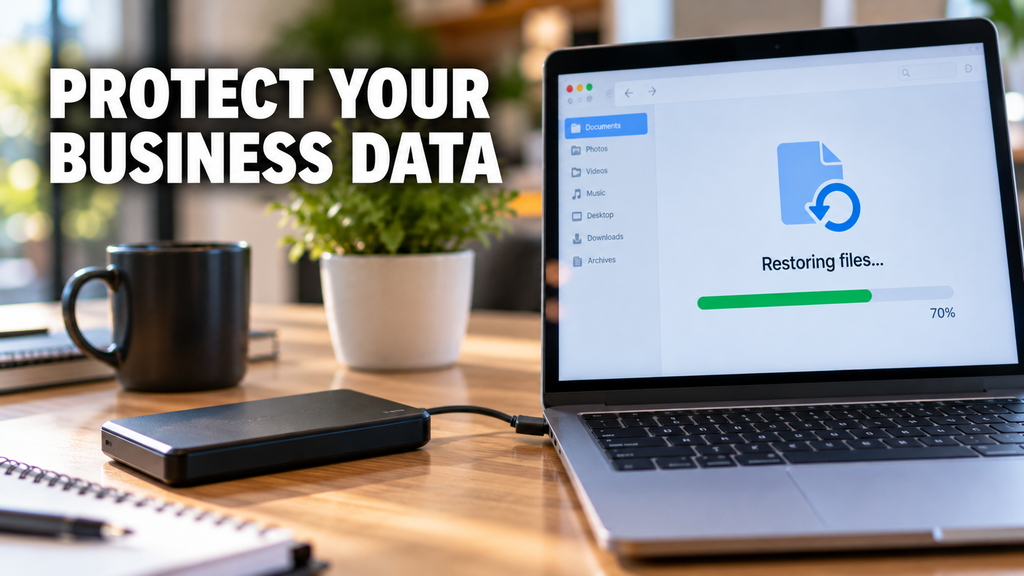
Two gaps stand out in the same US survey. AI use among small businesses reached 87.3%, but only 45.6% had formal guidelines for it. A one page rule is enough to start: no customer data, financial records or contracts go into free public AI tools. And while 88.4% of businesses had backups, only 61.4% had tested them. Schedule a test restore this month, so you learn whether your backup works before you need it.

External backup drive connected to a laptop showing a restore in progress

Habit 4: Make Reporting Normal

The final theme is about building a community and reporting scams and fraud. Inside a business, that means the most valuable thing an employee can do with a suspicious message is tell someone quickly, without fear of blame. Pick one place for reports, such as a shared mailbox or a chat channel, and make sure everyone knows it.

Pair that with a one page incident plan: who gets called first, which devices get disconnected, and who speaks to clients. The same survey found that organizations that had been breached were far more likely to have a documented response plan than those that had not (74.9% against 51.5%), which suggests many businesses write theirs only after something goes wrong. Short, regular training helps too, and 42.4% of those leaders named short employee training as a priority.

Two coworkers talking about a suspicious message at a small business office

Turning One Month Into a Habit

You do not need to do everything at once. Take one habit a week, start each with a short conversation, and put a reminder in the calendar so the habit outlasts Cyber Security Awareness Month. These habits also cover many of the basics that cyber insurance applications tend to ask about, so they are worth writing down. Our cybersecurity insurance questionnaire is a quick way to see where you stand.

If you would like help putting any of this in place, we support small businesses across Markham and the GTA with cyber security and managed IT services. Get in touch and we will walk you through where to start.